<Unknown_Terminal>
A downloadable game for Windows
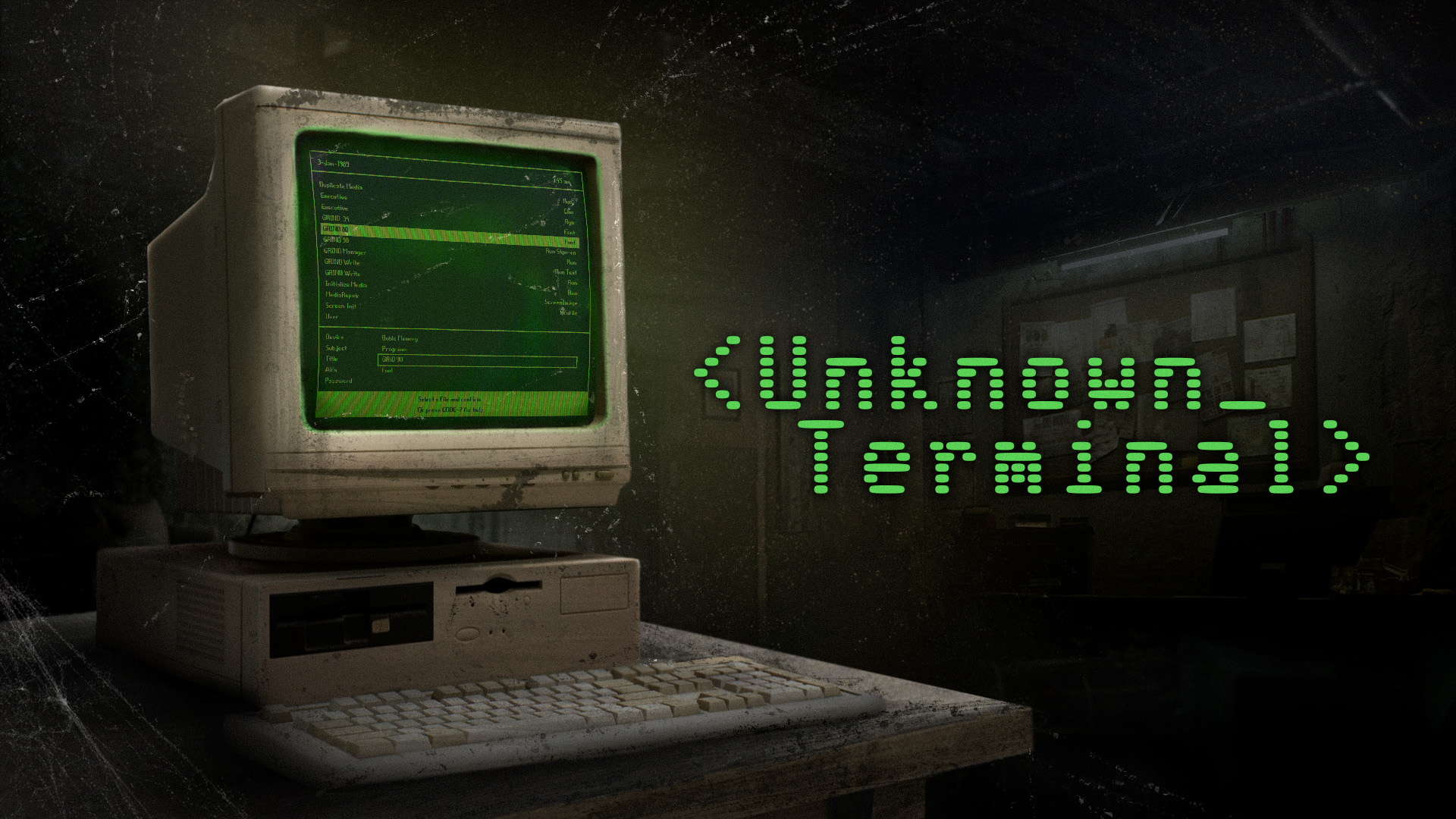
While exploring an abandoned industrial district you stumble across a mysterious, faceless building. Inside, among rusty shelving and forgotten folders, you find a dusty office. In the middle of the room sits an old IBM PS/2 computer that is still on. Its phosphor‑green screen blinks like a heartbeat from another era and the analog modem emits a periodic beep – someone or something seems to be waiting for input.
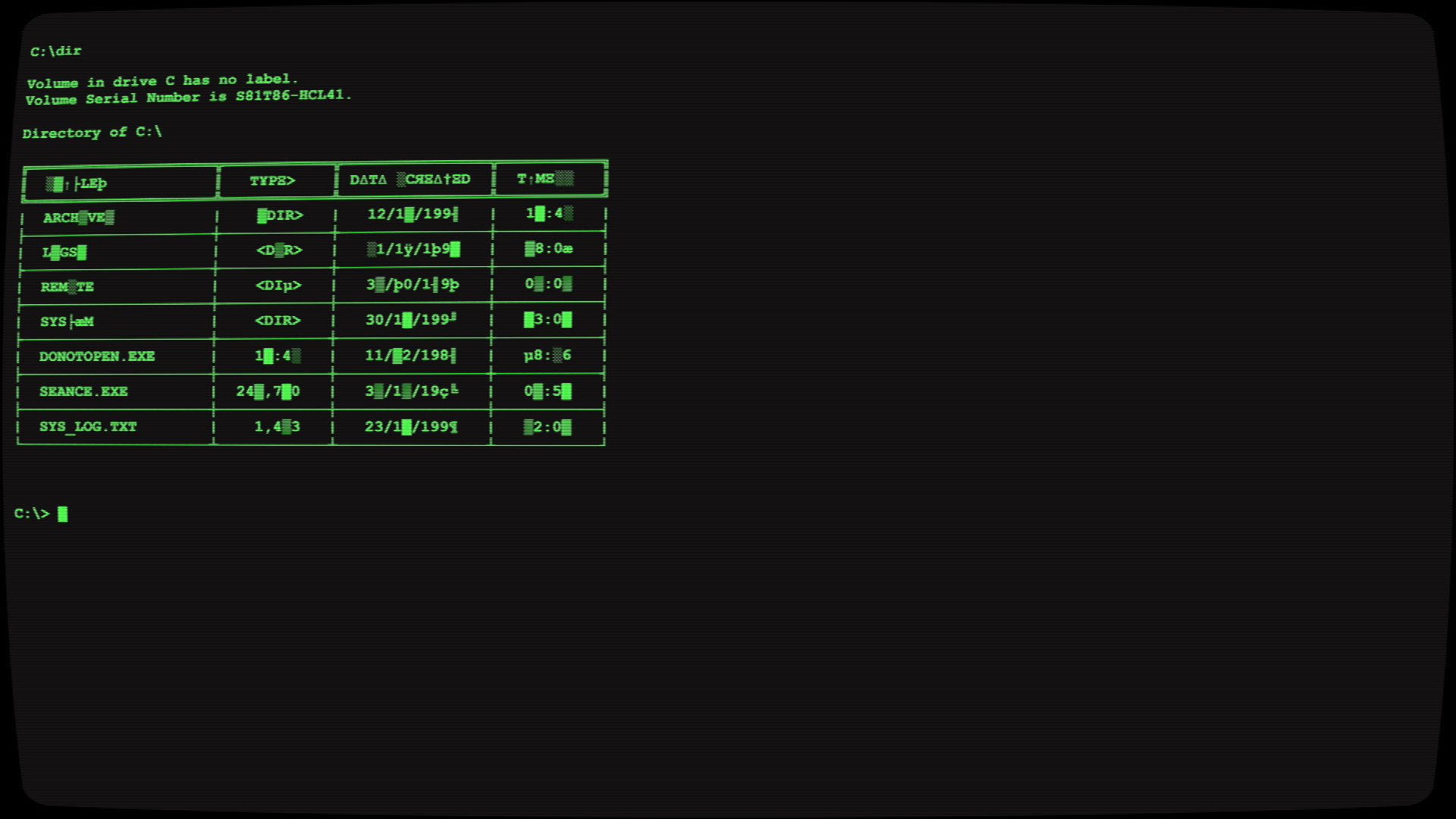
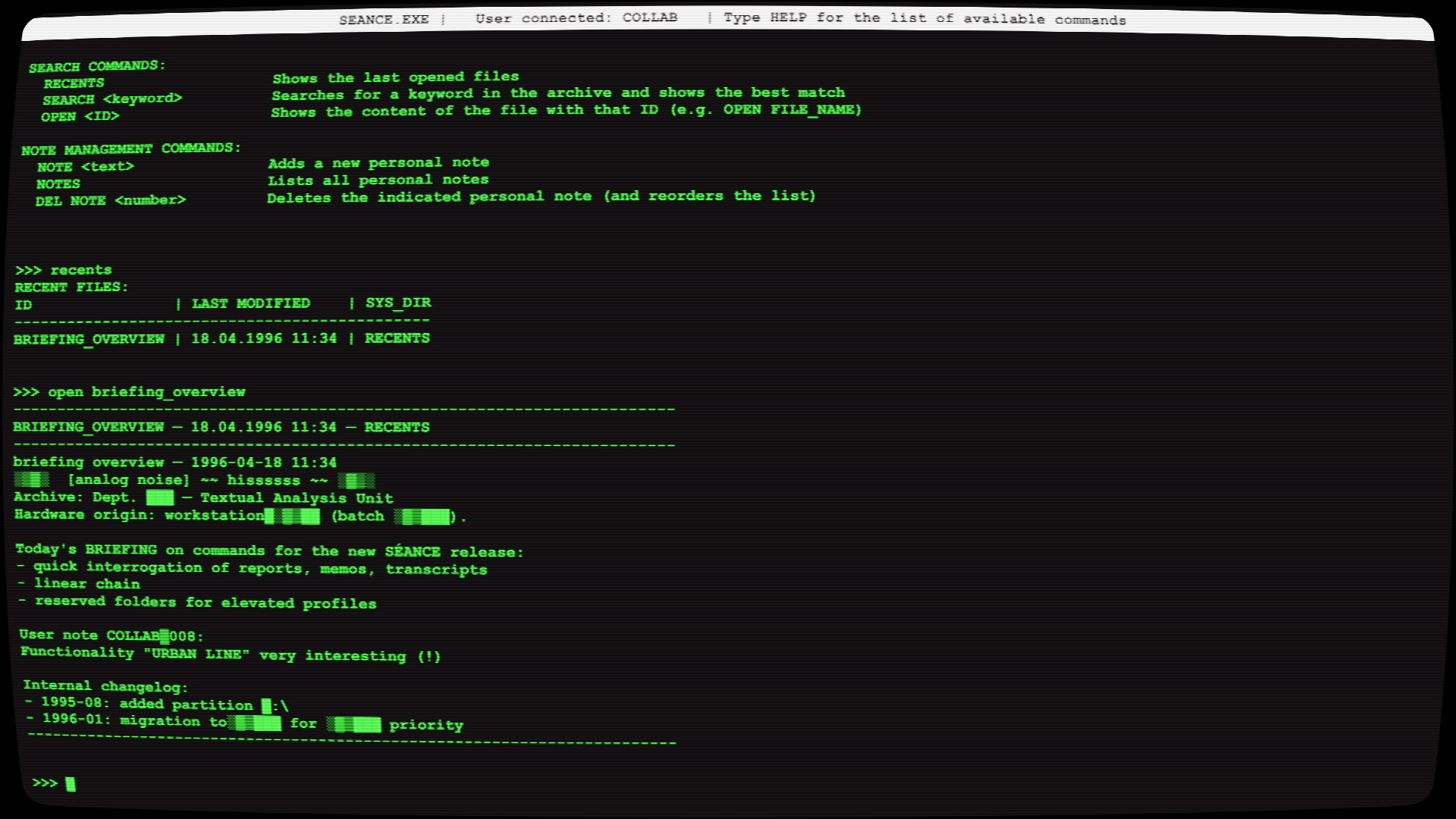
You have uncovered a portal to a digital past that was never meant to be reopened. Access the old terminal, explore its file system and interact with a text‑based interface reminiscent of DOS. Navigate corrupted files, decipher encrypted logs, access forbidden programs and uncover who — or what — was behind that screen. Every command you type reveals fragments of a buried story, one clue after another. A retro‑digital investigation where the only interface is you… and the truth lies hidden in a prompt that was never supposed to respond again.
Authors’ note:
This is a tiny personal project we put together over a weekend using Python, then enhanced and integrated into Unity. Don’t expect the game to guide you — there are no instructions, no tutorials. It’s up to you to observe, experiment, and figure things out. Your goal is to make sense of what you find on the computer: who used it, for what purpose, and what can still be done with it today. It doesn't aim to be anything fancy — it’s short, completely free, and we just hope you enjoy the experience.
Download
Install instructions
Extract the ZIP then double-click "Unknown_Terminal.exe" (If Windows SmartScreen appears, choose More info > Run anyway).
Development log
- C64 versionMar 03, 2026
- Enhanced versionJan 29, 2026